


Paradox M25 Australia
The Paradox difference
The Paradox difference
Built for clean installs and reliable control: PoE power, multi-path communication, and encrypted M wireless.
-
One-cable PoE install
Power and network over a single Cat6. Less wall clutter, faster commissioning.
-
Direct-connect ready
Reporting paths that do not depend on a single cloud hop for every alarm event.
-
Encrypted M wireless
Frequency and encryption hopping across the M System device range.
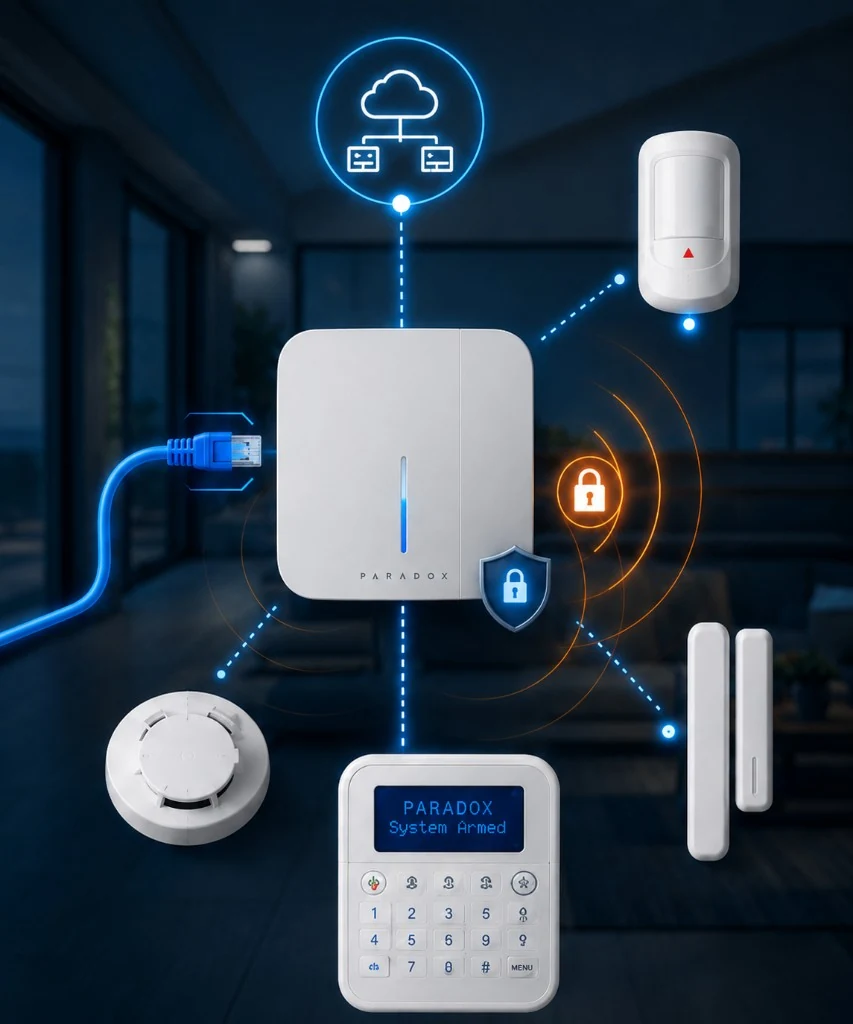

Control the system from BlueEye
Arm, disarm and manage users from the Paradox BlueEye app. Quotes, photos and approvals still sit in your Safeguard customer portal.
- Arm, disarm and receive push alerts
- Owner, master and user roles
- Schedules, automation and temperature alerts
- OTA updates after installer setup
The Products
Common Paradox M System components we may include in your design.
Every property is different. Exact devices depend on layout, risks and how you use the site. M25 has no native CCTV yet; cameras are specified as a separate pathway when needed.
Start my quote- Proven technology
- Secure by design
- Flexible integration
- Expert support
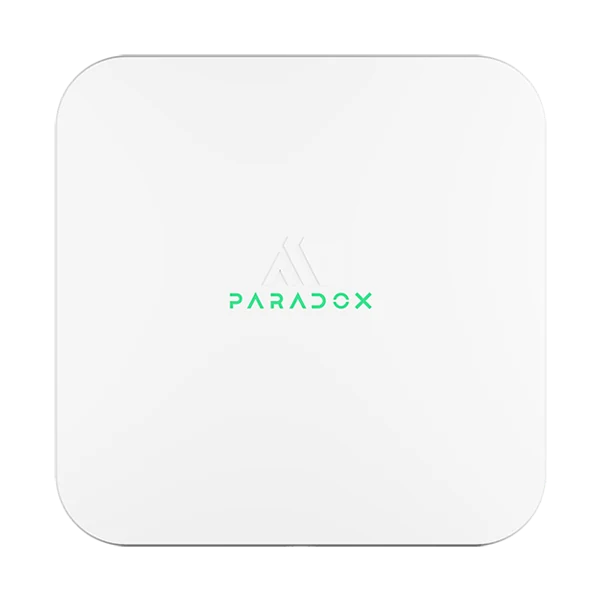
Paradox M25 / M25 LTE
Console
The system brain. PoE powered, Ethernet and Wi-Fi, with LTE on the LTE model for backup paths.
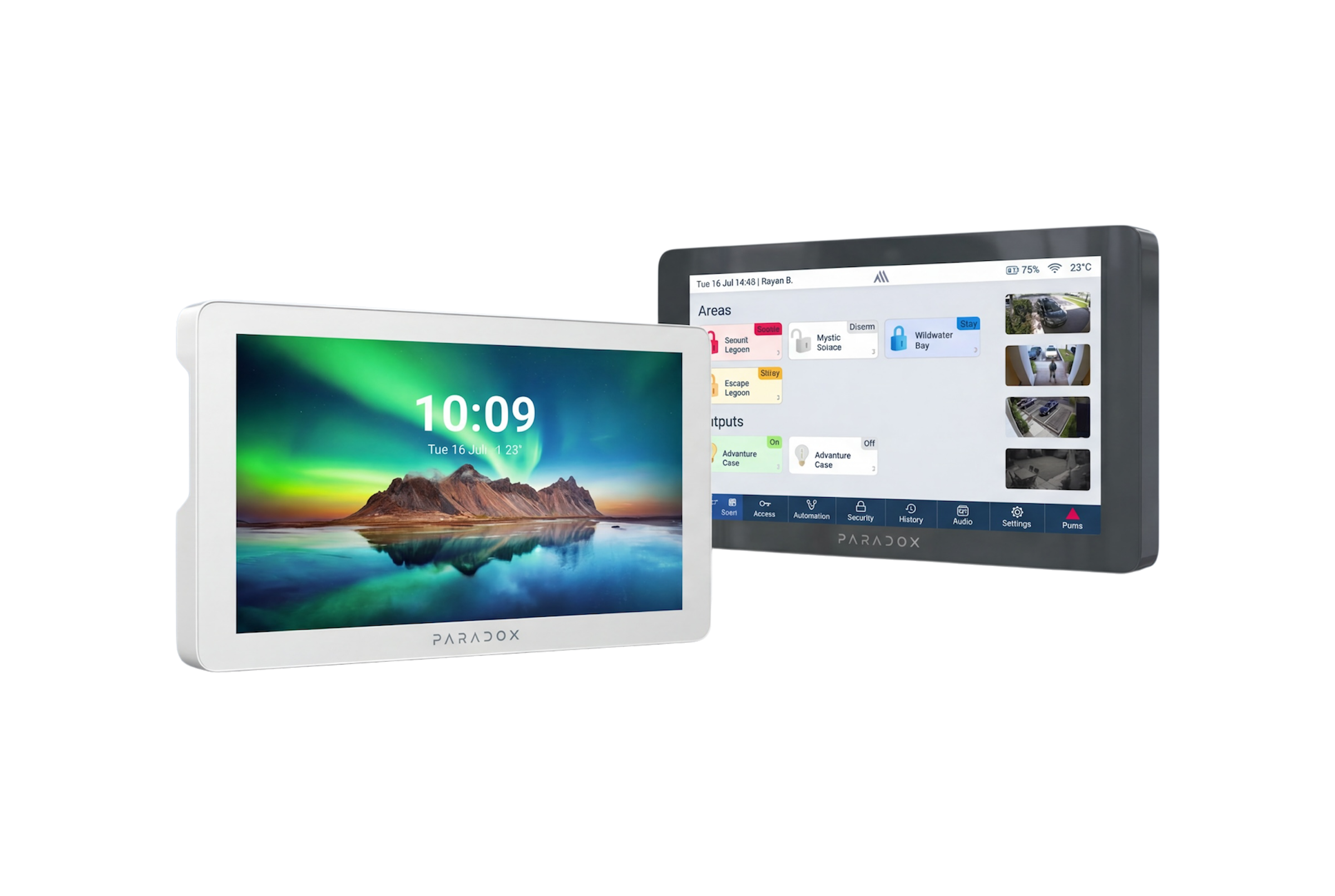
Paradox K70M
7 inch touch keypad
Wall keypad for local control. Not a front-door intercom station.
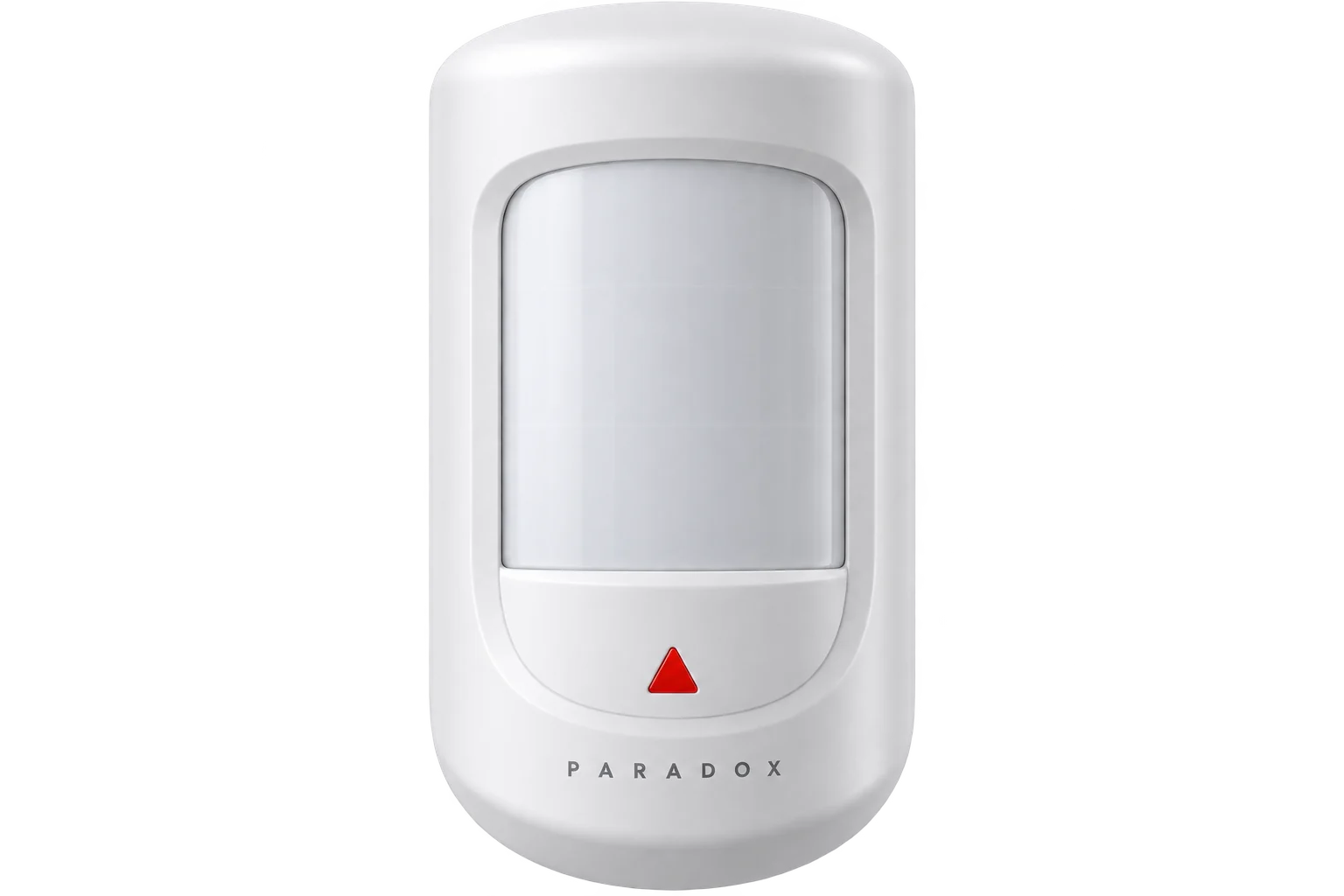
Detectors
Perimeter protection
Door contacts and indoor or outdoor PIRs, including pet-friendly options where needed.
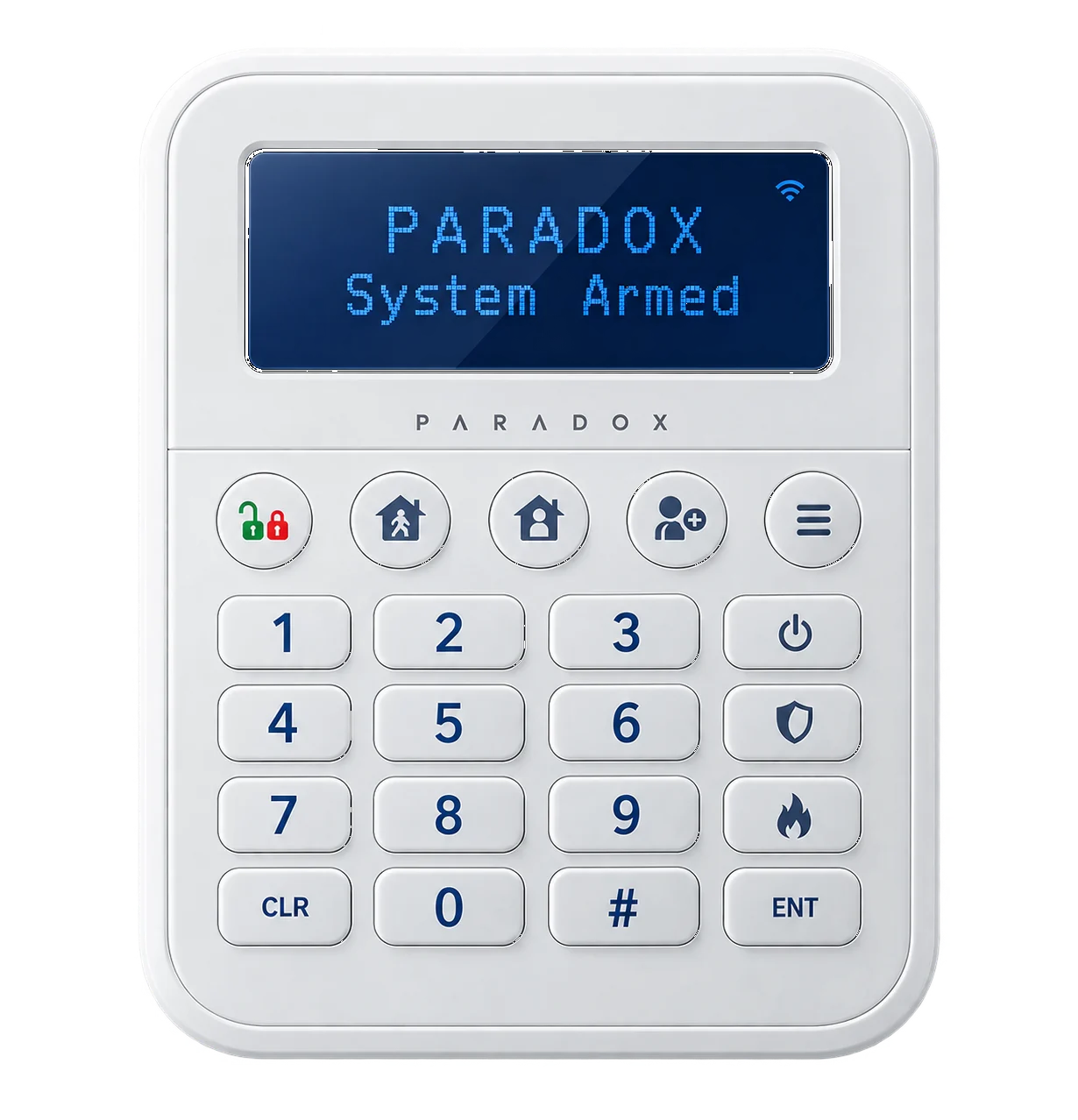
Paradox K38M
48-zone LCD keypad
Fixed LCD keypad for arming, status and local control where a full touchscreen is not needed.
Monitoring Options
Choose how your Paradox M25 system is monitored
Safeguard can configure BlueEye self-monitoring, discuss professional back-to-base options, and plan communication paths so alerts still get through when broadband is down.
-
Self-monitoring via BlueEye
Arm, disarm and receive alerts on your phone with role-based users.
-
Professional monitoring
Connect to a monitoring centre for 24/7 response when your site needs it.
-
Backup communication
Ethernet, Wi-Fi and LTE (on M25 LTE) can be planned as failover paths.
Property Fit
Sized for homes, ready for small business growth
M25 has enough headroom for apartments through larger sites. We only install what the property needs first.
200
Zones
10
Partitions
128
Users
75
Wireless devices
Compare
Paradox M25 vs Ajax with Safeguard.
| Feature | Paradox M25 | Ajax |
|---|---|---|
| Console power | PoE over a single Cat6 (plus Wi-Fi / LTE options) | Plug-pack powered hub with Ethernet / Wi-Fi / 4G options |
| App | Paradox BlueEye | Ajax mobile apps |
| Native cameras | Not yet. CCTV specified separately when needed | MotionCam and related Ajax video devices available |
| Keypad | K70M touch or K38M LCD (wall control, not door intercom) | Ajax keypads and related controls |
| Best next step | Quote a Paradox M25 design for your property | Use the Ajax calculator for a fast Ajax design |
Paradox M25 FAQs.
M25 is Paradox's modern hybrid wireless console for the M System. It manages sensors, keypads, sirens and app users, with PoE power and multi-path communication.
No. Spectra, Magellan and EVO are older lines. M25 only works with M System devices (model names ending in M).
Not as a native package today. Video verification and access modules are still rolling out. We specify Uniview CCTV or a separate intercom when the site needs them. K70M is a wall keypad, not a front-door station.
Usually one Cat6 cable for PoE power and Ethernet. Built-in Wi-Fi can be primary or backup. M25 LTE adds cellular as another path.
Paradox BlueEye on iOS and Android for arming, alerts and user management after we set the system up.
Yes. We can discuss self-monitoring via BlueEye and professional back-to-base options suited to your property and communicator paths.
Cost depends on property size, device count and monitoring choice. Start a free instant quote and a technician reviews the design.
No. Paradox manufactures the hardware. Safeguard is an independent Australian installer. We design, supply, install and support M25 systems for your property.
Start your quote
Design your Paradox M25 system with Safeguard.
Tell us about the property, get pricing guidance quickly, and we will design the right M25 layout with BlueEye handover.
Property-led design
Devices chosen for your layout and risks.
Clear install path
PoE planning, pairing and testing included.
Track everything
Manage your job in the secure customer portal.
- Independent Australian Paradox installer
- Australian owned and operated
- Master Licence #000103619
- 1300 225 276